AudioPod AI
Features
Text to SpeechAI Music & RapStem SplitterNoise ReductionSpeaker SeparationSpeech to TextMedia ExtractorMedia Converter
Pricing
API
Blog
AudioPod AI
Features
Text to SpeechAI Music & RapStem SplitterNoise ReductionSpeaker SeparationSpeech to TextMedia ExtractorMedia Converter
Pricing
API
Blog

Loading blog...

AudioPod AI
Features
Text to SpeechAI Music & RapStem SplitterNoise ReductionSpeaker SeparationSpeech to TextMedia ExtractorMedia Converter
Pricing
API
Blog

Loading article...

AudioPod AI
Features
Text to SpeechAI Music & RapStem SplitterNoise ReductionSpeaker SeparationSpeech to TextMedia ExtractorMedia Converter
Pricing
API
Blog
AudioPod AI
Features
Text to SpeechAI Music & RapStem SplitterNoise ReductionSpeaker SeparationSpeech to TextMedia ExtractorMedia Converter
Pricing
API
Blog

Loading article...

AudioPod AI

Free AI audio studio: remove vocals, create music & rap, clone voices, transcribe & separate speakers. All-in-one platform for podcasters, musicians & creators.

Discord

Features

  • Speaker Separation
  • Stem Splitter
  • AI Music Generator
  • Speech to Text
  • Noise Reduction
  • Text to Speech

Tools

  • Vocal Remover
  • AI Voice Changer
  • Text to Speech
  • AI Rap Generator
  • AI Beat Maker
  • Stem Splitter

Compare

  • vs ElevenLabs
  • vs NotebookLM
  • vs Suno
  • vs LALAL.AI
  • vs Descript
  • vs Murf

Company

  • Blog
  • Pricing
  • Contact
  • Privacy
  • Terms
  • Cookies

© 2025 AudioPod AI, Inc. All rights reserved.

Privacy PolicyTerms of ServiceSupport
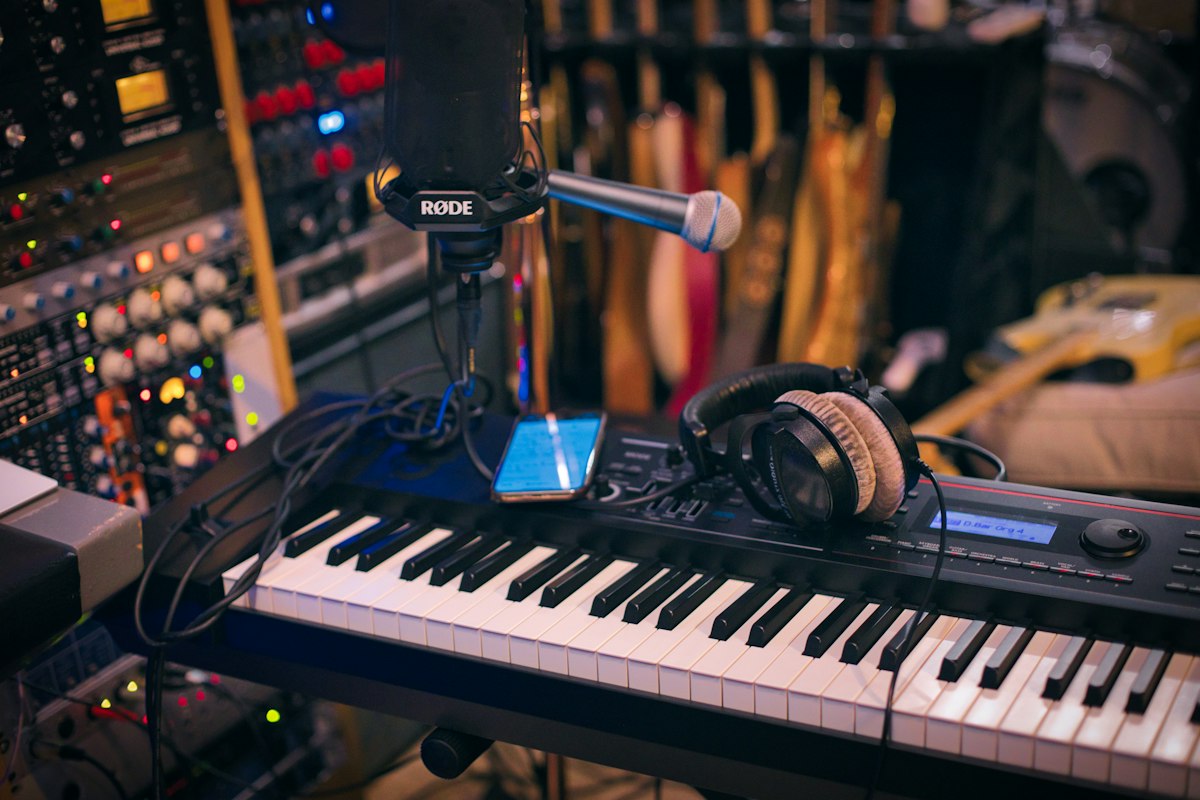
Podcast setup with headphones - Turn YouTube videos into podcasts
HomeBlogTutorials

How to Turn Any YouTube Video into a Podcast (2025 Guide)

Convert any YouTube video into a podcast-ready audio file. Clean up the audio, remove background noise, and publish to Spotify, Apple Podcasts, and more.
AudioPod Team
•Tutorials•January 12, 2026•6 min read

🎧 Listen to this article

On This Page

0%
  • Why Repurpose YouTube Videos as Podcasts?
  • Expand Your Reach
  • Different Listening Contexts
  • Minimal Extra Effort
  • Step 1: Extract Audio from YouTube
  • Using AudioPod (Easiest):
  • Why Not Just Strip the Audio in Your Editor?
  • Step 2: Clean Up the Audio
  • Common Issues:
  • Solutions with AudioPod:
  • Remove Background Noise
  • Normalize Audio Levels
  • Remove Music (If Needed)
  • Step 3: Create Podcast-Specific Elements
  • Podcast Intro/Outro
  • Episode Artwork
  • Show Notes
  • Step 4: Choose a Podcast Host
  • Top Podcast Hosts (2025):
  • Recommended: Spotify for Podcasters (Anchor)
  • Step 5: Upload and Distribute
  • Upload to Your Host:
  • Distribution Happens Automatically:
  • Workflow Automation
  • Weekly Workflow:
  • Batch Processing:
  • Best Practices
  • Audio Quality Standards:
  • Content Considerations:
  • What Works Well:
  • What Needs Adaptation:
  • Cross-Promotion:
  • Case Study: YouTuber to Podcaster
  • Before:
  • After Adding Podcast:
  • Time Investment:
  • Frequently Asked Questions
  • Do I need different content for my podcast?
  • What if my videos have copyrighted music?
  • How long should podcast episodes be?
  • Should I release video and podcast simultaneously?
  • Conclusion

Tags

#youtube#podcast#audio-extraction#content-repurposing#tutorial#noise-reduction#audio-editing

Share this article

On This Page

0%
  • Why Repurpose YouTube Videos as Podcasts?
  • Expand Your Reach
  • Different Listening Contexts
  • Minimal Extra Effort
  • Step 1: Extract Audio from YouTube
  • Using AudioPod (Easiest):
  • Why Not Just Strip the Audio in Your Editor?
  • Step 2: Clean Up the Audio
  • Common Issues:
  • Solutions with AudioPod:
  • Remove Background Noise
  • Normalize Audio Levels
  • Remove Music (If Needed)
  • Step 3: Create Podcast-Specific Elements
  • Podcast Intro/Outro
  • Episode Artwork
  • Show Notes
  • Step 4: Choose a Podcast Host
  • Top Podcast Hosts (2025):
  • Recommended: Spotify for Podcasters (Anchor)
  • Step 5: Upload and Distribute
  • Upload to Your Host:
  • Distribution Happens Automatically:
  • Workflow Automation
  • Weekly Workflow:
  • Batch Processing:
  • Best Practices
  • Audio Quality Standards:
  • Content Considerations:
  • What Works Well:
  • What Needs Adaptation:
  • Cross-Promotion:
  • Case Study: YouTuber to Podcaster
  • Before:
  • After Adding Podcast:
  • Time Investment:
  • Frequently Asked Questions
  • Do I need different content for my podcast?
  • What if my videos have copyrighted music?
  • How long should podcast episodes be?
  • Should I release video and podcast simultaneously?
  • Conclusion

Related Articles

How to Transcribe Podcasts with AI: Complete Guide 2025
Tutorials
January 12, 20266 min read

How to Transcribe Podcasts with AI: Complete Guide 2025

Learn how to transcribe podcasts quickly and accurately using AI. Get speaker labels, timestamps, and export to any format. Free options included.

Read article
How to Convert YouTube Videos to Audio for Free (2025 Guide)
Tutorials
January 12, 20264 min read

How to Convert YouTube Videos to Audio for Free (2025 Guide)

Learn how to convert YouTube videos to MP3 and high-quality audio for free. No software downloads needed. Works on iPhone, Android, and desktop. Extract podcasts, music, and lectures instantly.

Read article
Isolate Vocals FREE: Extract Acapella from Any Song Online (No Signup)
Tutorials
October 15, 20258 min read

Isolate Vocals FREE: Extract Acapella from Any Song Online (No Signup)

Isolate vocals from any song FREE with our AI vocal extractor — no signup needed! Learn how to remove vocals, create free karaoke tracks, and extract acapellas instantly. The best free vocal remover guide for 2025.

Read article

Stay Updated

Get the latest news, updates, and exclusive offers delivered right to your inbox.